Open topic with navigation
Create a Bar Chart
To create a bar chart
- Select the contract for which you want to create a chart, and from the right-click menu select Charts and then New Chart.
- In the Time Period selector, choose a "bars" interval.
-
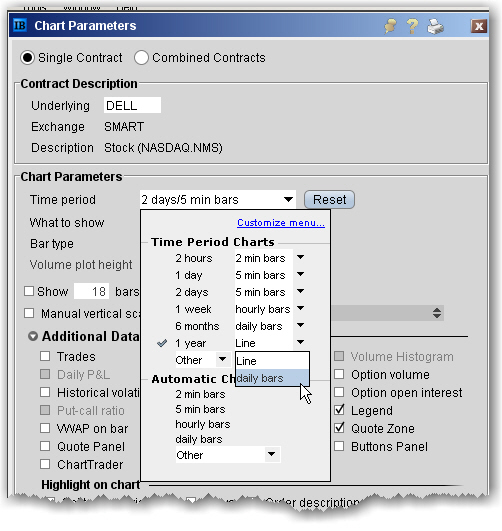
- Define remaining chart parameters and click OK to display your chart.
To create a candlestick chart, choose Candlestick as the Bar type.