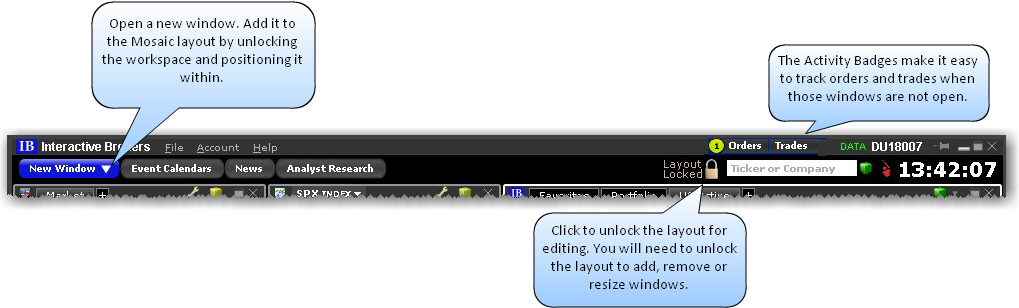
The Anchor Window is the control center of the workspace. Grab and drag the title bar to move the entire workspace. Check the Activity Badges to see how many working orders and executions you have. Click the Trades activity badge to open the Trades window. Use the Search field to quickly change focus on all Mosaic windows linked by the windows grouping color.
The Anchor Window appears at the top of the Mosaic workspace.