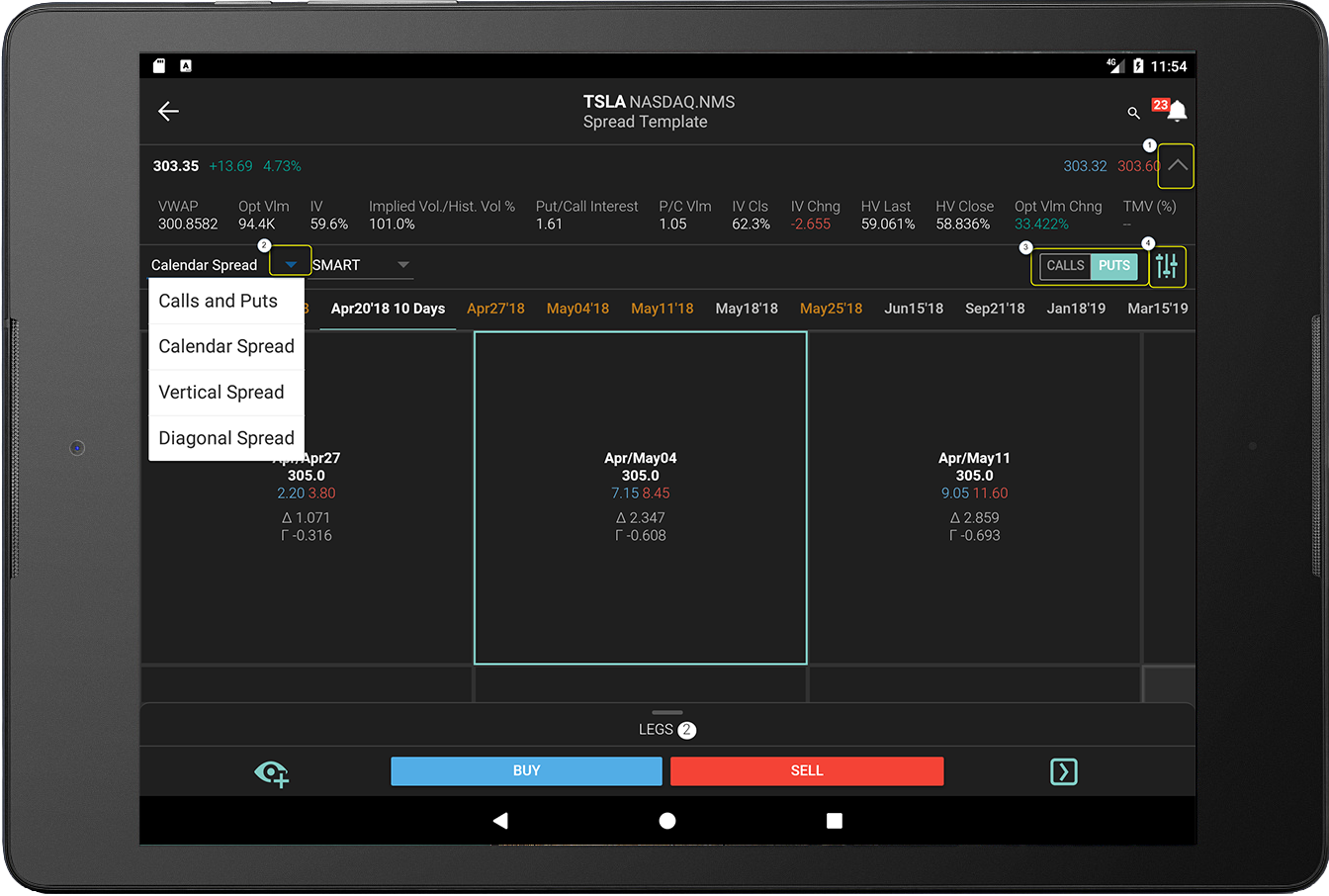
Spread Templates make it easy to create two-legged spreads by providing a pick-list of popular strategies. Once you've selected the spread type, the Spread Template's intuitive grid display:
The grid displays key information to help you pick the best spread for your needs, including delta, gamma, price and the bid/ask spread. You can fine-tune grid strategies by adjusting filters.
 Tap the "down" arrow to view more data, then swipe right-to-left to view all columns.
 Use the drop-down to select a spread type.
 Toggle the first leg between Calls and Puts.
 Tap to configure filters such as time period, trading class, and display features like column size, columns to display, and the order in which visible columns appear.
To use the Spread Template
Open details for an instrument and tap “Spreads” from the top row of action buttons.
Note: Alternatively, you can select "Spread Template" from the instrument type list when adding an asset to your Watchlist.
in above image) at the top of the Spread Template, select a strategy (Calendar, Vertical, Diagonal). in above image) and if needed, define data filters or filter out weekly contracts ( in above image). 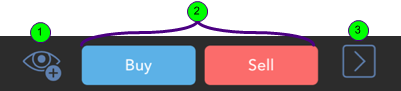
 Add to your Watchlist
 Trade the spread
 Open the Instrument Details window for the strategy