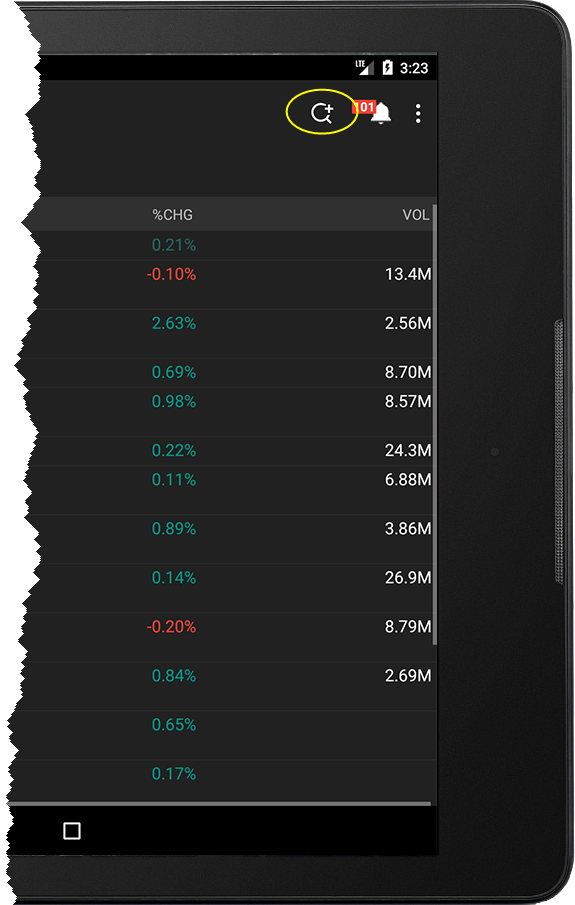
The Search icon
To search for an instrument
Note: If you search for an instrument that is currently in your Watchlist, the option to "Go to instrument in Watchlist" will be the first entry in the list.
To speed up your search, use Search Settings to filter out financial instrument types you don't trade and do not want returned in the search.
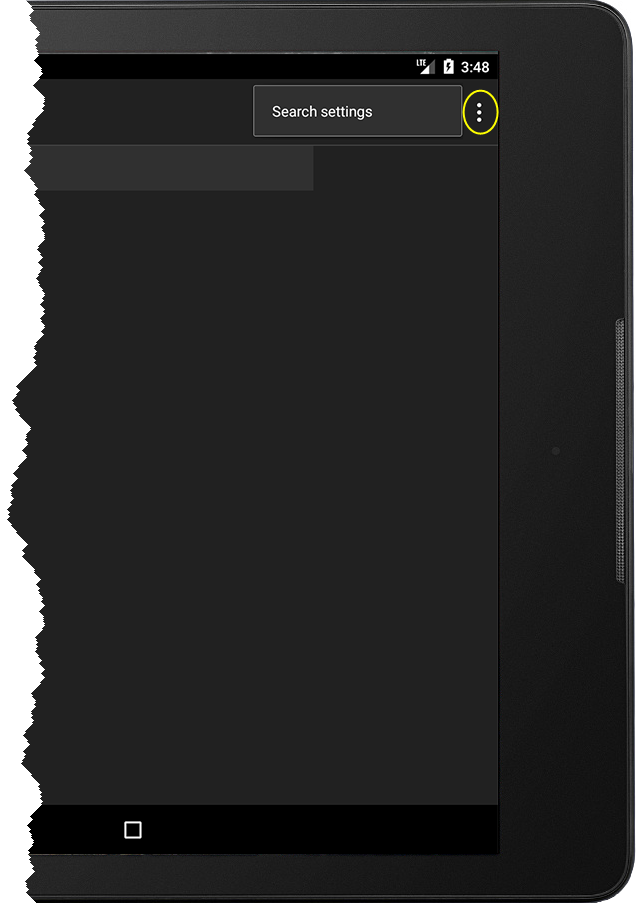
Define Search Settings by tapping the  to the right of the search entry field and then tapping Search settings.