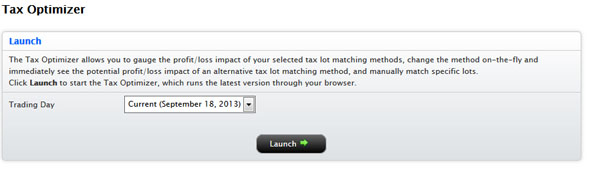
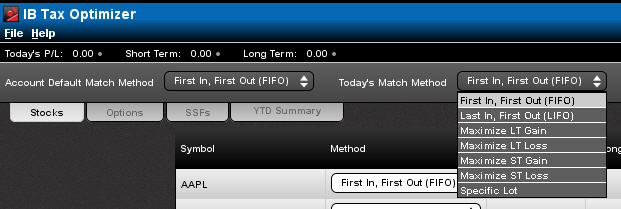
You can change the default match method for the current or prior trading day in the Tax Optimizer. When you change the match method for the day and save the change, your selection overrides the default match method for the account until the end of the trading day today. The account default match method will then be in effect again tomorrow.
To change today's match method
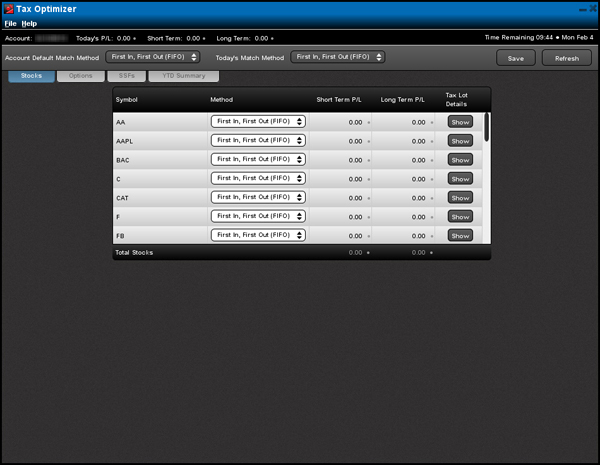
If you log out of Account Management while the Tax Optimizer is open, you will not be able to save your changes in the Tax Optimizer.
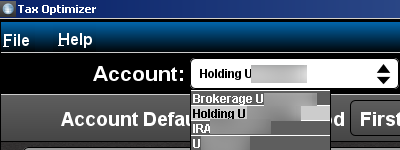
For example, if you are working with the current trading day and you miss the 8:30 PM cut-off time, you can open the Tax Optimizer tomorrow and select the prior trading day and submit any changes you have. The 8:30 PM cut-off time will still apply. If you miss the 8:30 cut-off time for changes to lot-matching methods for the prior trading day, you will not be able to submit any more changes for that specific trading day.