 Who can access the P/L Markup Summary page?
You can access this page if you are an Advisor Master User.
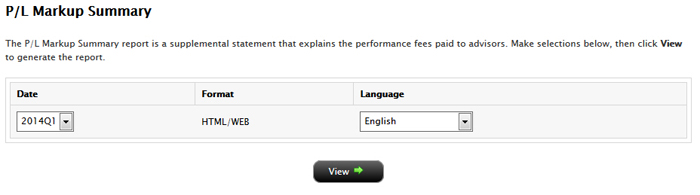
This report shows a summary of client profit and loss (P/L) used to determine quarterly and annual performance fees paid to an Advisor for a single client account or for all client accounts.
Who can access the P/L Markup Summary page?You can access this page if you are an Advisor Master User.
To generate a P/L Markup Calculation Summary report

To change the selected account, click the tab to open the Account Selector, and then click a different account.
For more information