Open topic with navigation
Section 13 Subscription Election
This page lets advisors subscribe to Form 13F and Schedule 13D/13G alerts. Note that advisors must subscribe to a report on this page before they can enable their account to receive the report on the Section 13 Designate Aggregated Report Recipients page.
To subscribe to these alerts:
- Click Manage Account > Settings > Compliance > Section 13 > Subscription Election.
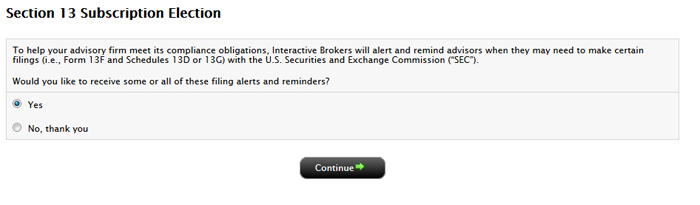
- Click Yes or No and then click Continue.
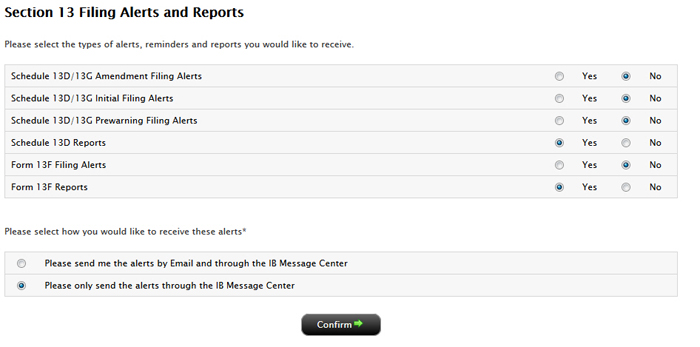
- Click Yes or No for each type of alert, reminder and report that you would like to receive.
- Choose how you would like to receive these alerts: via email and in the Message Center or only in the Message Center.
Click Confirm.